Everything you need to know about DataSnipper v26.1

We’re introducing DataSnipper Platform v26.1. This version is designed to make staying up to date effortless, strengthen user and access control at scale, and speed up your workflows.
What's new in v26.1
Stay up to date automatically
After this one-time upgrade, you’ll receive new improvements and security updates automatically. No more manual installs.
This means your team can take advantage of the latest improvements as soon as they’re available.
Stronger security and control
It helps reduce password friction and ensures only authorized users can access DataSnipper, giving admins better visibility and control.
Faster everyday work
Daily work gets quicker, with large Excel workbooks opening up to 41% faster and large document imports completing up to 58% faster compared to v25.2.
You will notice that your everyday audit and finance workflows become even smoother with DataSnipper.
Access our newest capabilities
Our newest capabilities are available on the latest platform version. Upgrading ensures you’re ready to take advantage of what’s coming next.
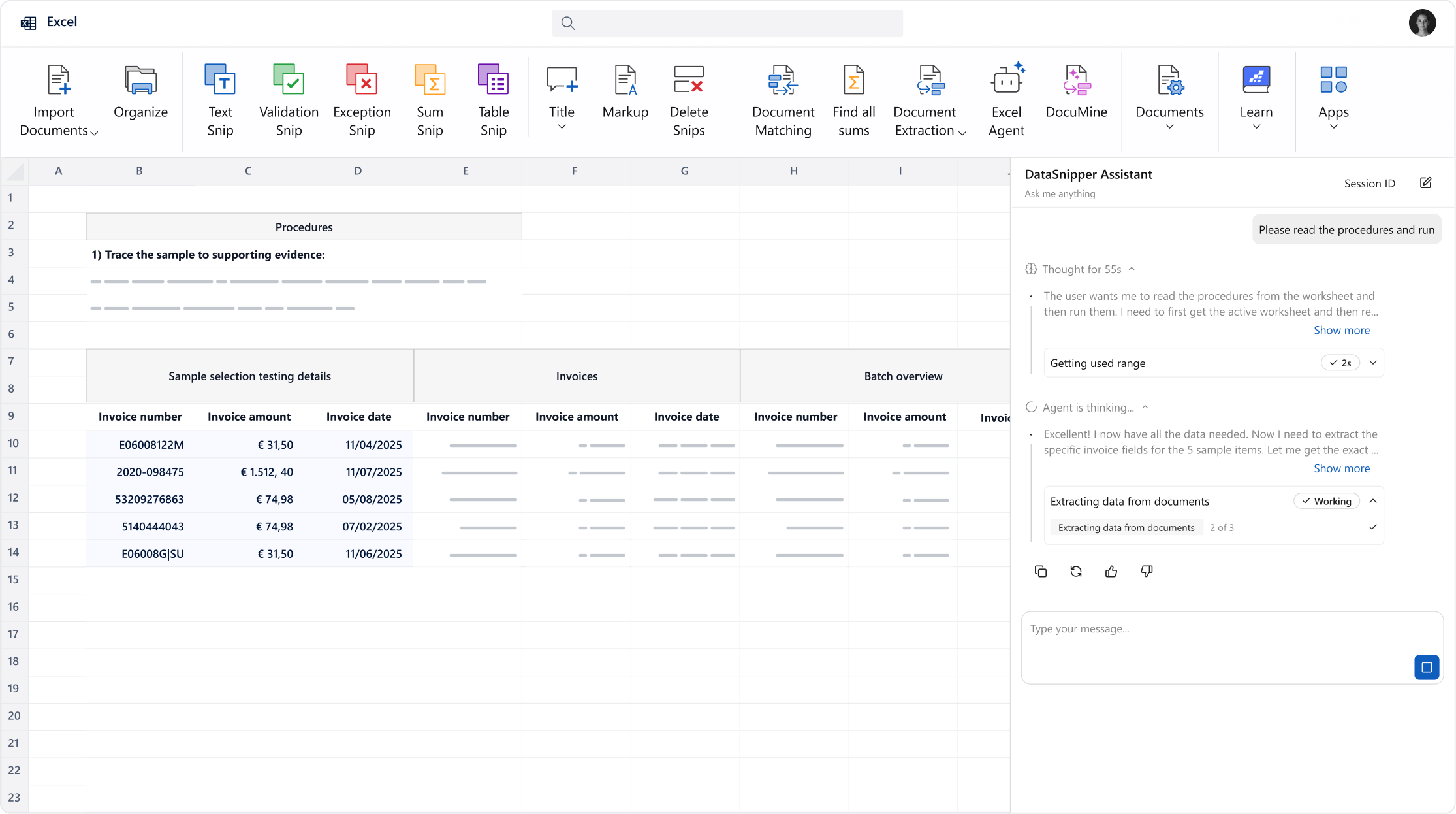
Excel Agents
Bring AI directly into your Excel files and supporting documentation. Our agents understand your templates, interpret your asks, and collaborate with you like a teammate, helping you work faster, smarter, and with confidence.
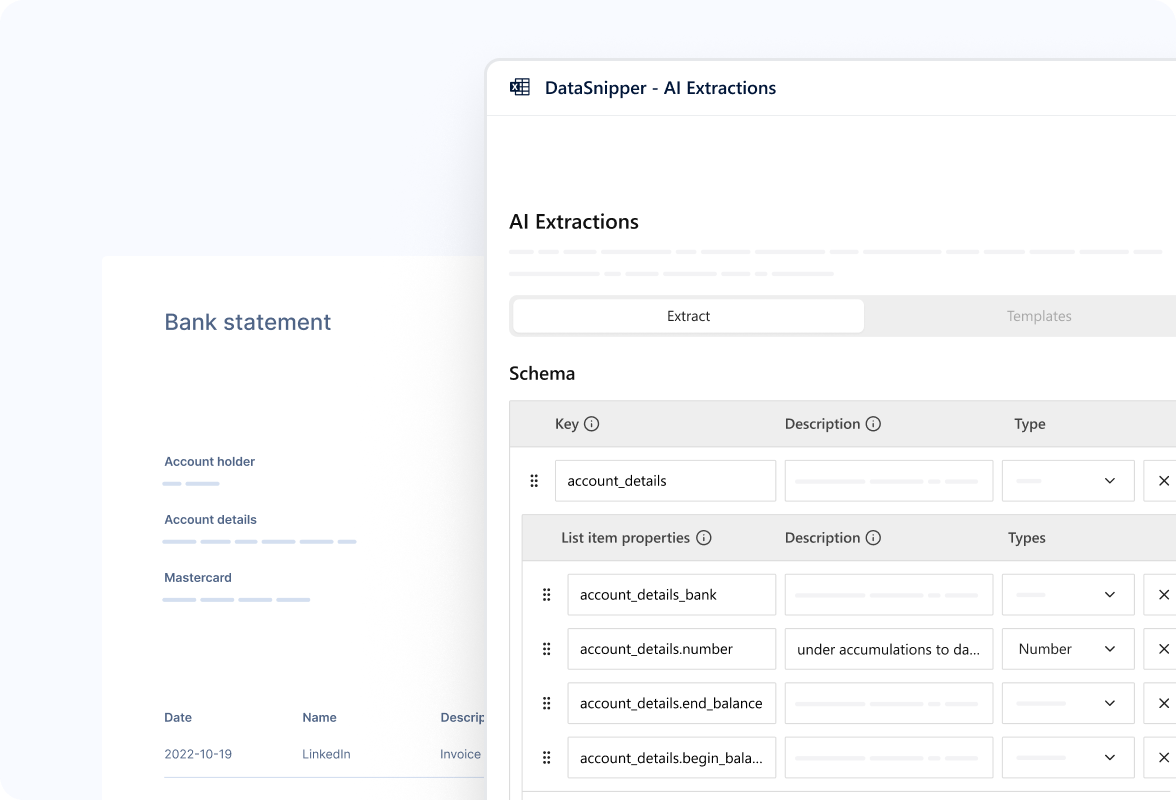
AI Extractions
Turn unstructured documents into data that works for you. Extract data regardless of the layout: from bank statements to payroll reports. Use prompts or reusable templates, and let AI do the rest.
Try it out for yourself!
Already using DataSnipper? Contact your Customer Success Manager to get started with v26.1.
Happy Snipping!